 Hiyd
Hiyd
The Jekyll companion app
Write Jekyll posts on your phone. Publish to GitHub.
Hiyd is a fast, private Markdown editor for iPhone and iPad. Draft a post, let Hiyd build the YAML front matter, then save it to iCloud Drive or commit it straight to your repository.
How it works
From idea to committed post in three steps
Draft
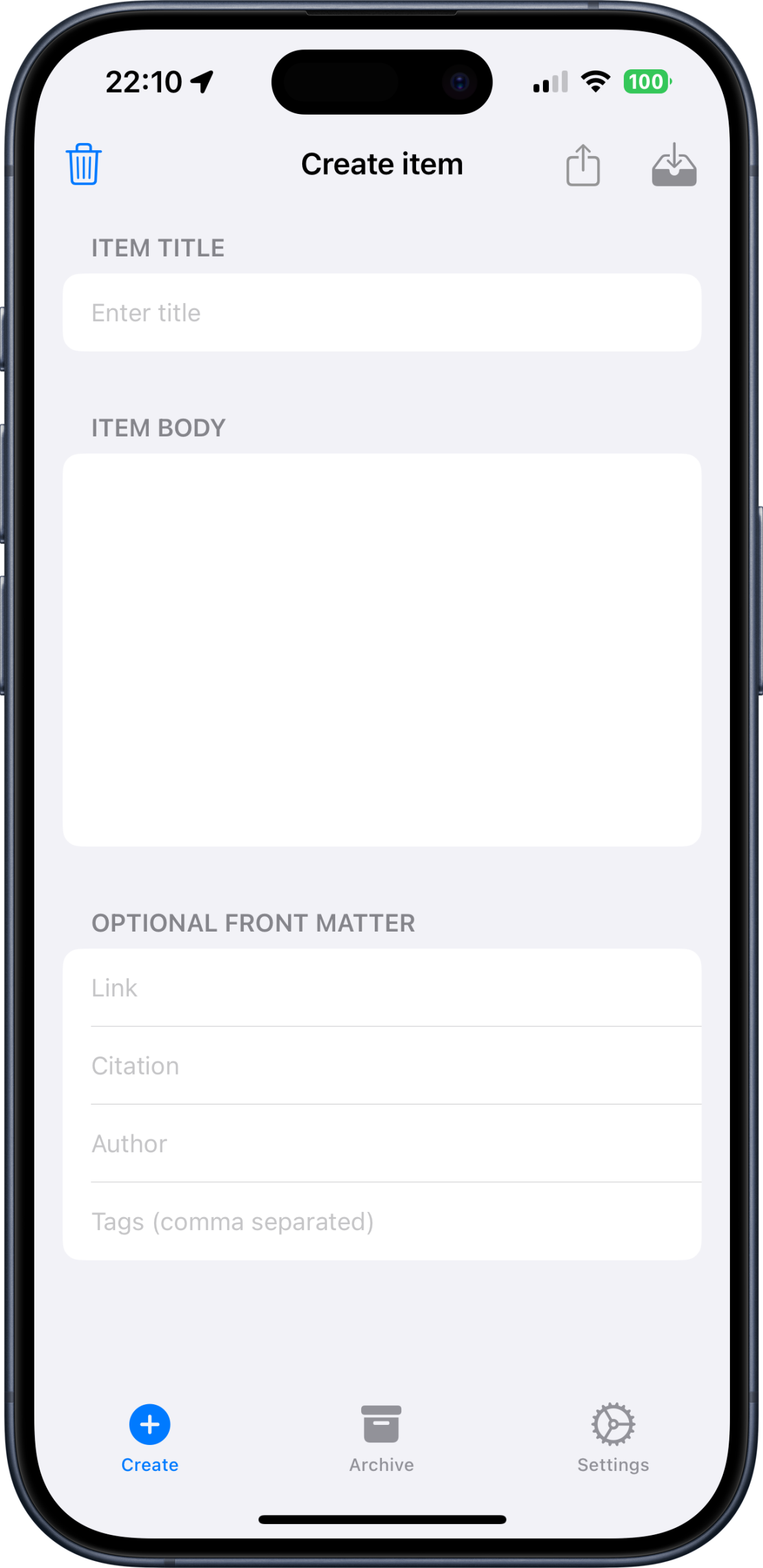
Type your title and body in a distraction-free Markdown editor. Preview the rendered output any time.
Front matter
Hiyd adds title and date automatically, plus any custom default fields you have configured.
Save or publish
Store the .md file in iCloud Drive, share it anywhere, or commit it to a GitHub repository.
Features
Everything you need to keep a Jekyll blog going
Built for people who publish with Jekyll and GitHub Pages, and who do half their writing away from a desk.
Markdown editor with preview
A clean title-and-body editor with a live rendered preview before you save or export.
Custom front matter defaults
title and date are always included. Add your own Text, List or Boolean fields and reorder them by dragging.
Publish to GitHub
Commit posts to up to five repositories with a fine-grained access token. Choose the folder, name each repo, set a commit-message template.
iCloud Drive storage
Files live in iCloud Drive › Hiyd, sync across your iPhone and iPad, and stay readable in any other app.
Face ID app lock
Optionally require Face ID, Touch ID or your passcode every time the app opens.
Shortcuts, Siri & deep links
App Intents for creating, listing, reading and searching notes, plus hiyd:// URL schemes for automation and widgets.
Private by default
No analytics, no tracking, no account. The only network call is to GitHub, and only when you publish.
Make it yours
Light or dark mode, a custom tint colour, and a choice of app icons including a Liquid Glass icon.
Publish to GitHub
Your repo, your token, one tap
Add a repository once and every post is a commit away — no laptop, no Git client.
- Fine-grained personal access token, stored in the iOS Keychain
- Per-repo folder path —
_postsby default - Commit-message templates with
{filename},{title}and{datetime} - Overwrite protection when a file already exists at the path
- A publish history of your most recent commits
---
title: Hello, world
date: 2026-09-10 09:24:00 +0100
author: Sam
tags: [jekyll, ios, writing]
draft: false
---

Written on the train, committed before
the next stop.
Guides
Set it up the way you work
Getting started
Install Hiyd, write your first post and export it to your site.
→Front matter defaults
Configure the fields every new note should start with.
→Publish to GitHub
Create a token, add a repository and commit posts from your phone.
→Shortcuts & Siri
Every App Intent Hiyd exposes, with example automations.
→Deep links
The hiyd:// URL scheme for widgets and automation.
Link posts with the Chrome extension
Capture a quote and its source, then publish a linked post.
→FAQ
Questions people ask
What is Hiyd?
Hiyd is an iOS app for people who run a Jekyll site. You draft a post in a plain Markdown editor, Hiyd adds correct YAML front matter, and you can save the file to iCloud Drive, share it, or publish it straight to your GitHub repository. A companion Chrome extension captures link posts from the browser.
How much does Hiyd cost?
Hiyd is free to download and use. There is an optional annual "Supporter" subscription and one-off Small, Medium and Large tips inside the app if you want to support development. None of the core features are locked behind a purchase.
Which devices and iOS versions are supported?
Hiyd runs on iPhone and iPad and requires iOS 18.6 or iPadOS 18.6 or later. The interface adapts to a sidebar layout on iPad and supports all orientations.
Where are my posts stored?
Notes are stored as .md files in your own iCloud Drive, in Files under iCloud Drive › Hiyd. Because they live in iCloud Drive they sync automatically across your iPhone and iPad and you can open them in any other app. Hiyd has no server and no account.
Does Hiyd sync between my iPhone and iPad?
Yes. Files are kept in iCloud Drive, so anything you save on one device appears on your other devices signed in to the same Apple Account. If iCloud Drive is turned off, Hiyd shows its status as Unavailable and you can still export files manually.
How does publishing to GitHub work?
In Settings › GitHub Publishing you add a repository: GitHub username, repository name, a folder path (default is _posts), and a fine-grained personal access token scoped to that repository with Contents set to Read and write. When you publish, Hiyd commits the Markdown file to that folder on the repository's default branch using the GitHub Contents API. You can store up to five repositories and give each one its own name, icon and colour.
Keep your Jekyll blog moving
Free on the App Store. No account, no tracking, your files in your iCloud Drive.